App and Install Binding Can Be Used to Combat Social Engineering
Social engineering is now the leading cause of mobile account takeover and identity fraud. This blog explores how Appdome’s IDAnchor™ uses application and install binding to detect and stop social engineering attacks—preventing fake apps, spoofed installs, and attacker-controlled sessions before any damage is done.
Social Engineering Is the New Threat Surface
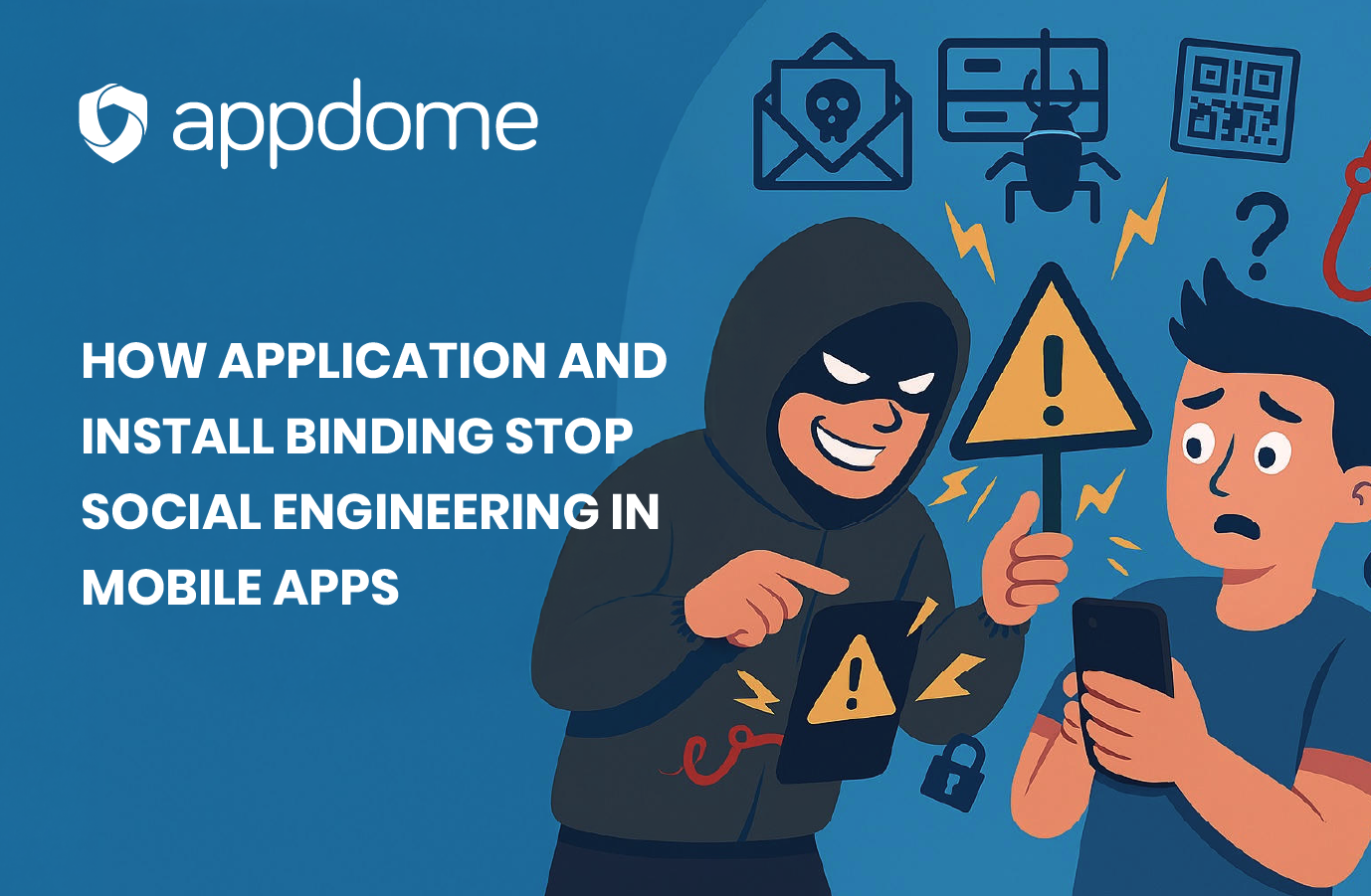
Fraudsters don’t need to steal your password if they can convince you to give it to them. They don’t need to hack your app if they can get your user to download a fake one.
That’s the reality of social engineering in mobile apps today—and why so many account takeover (ATO), Know Your Customer (KYC), and Identity Verification (IDV) failures are rooted in trust misplaced at the edge.
Most mobile apps today cannot distinguish between:
- A user installing the official app vs. a repackaged fake.
- A login on the same device vs. a fresh install on an emulator.
- The same person completing onboarding vs. a coerced or coached victim.
Appdome’s IDAnchor solves this by binding the user’s identity to the exact app, install, and device used during onboarding—and persisting that trust across sessions, updates, reinstalls, and even factory resets.
What Are Application and Install Binding?
- Application Binding
- Verifies that the app calling login, IDV, or verification flows is the original, untampered release.
-
- Prevents fake, cloned, or side-loaded apps from impersonating the official one.
- Install Binding
- Binds the user’s identity to the specific app install instance on their device.
-
- Detects when the app is reinstalled, moved to a new device, or run in a virtual environment.
Together, they form a tamper-resistant identity chain that allows apps to recognize the user’s trusted environment—and detect when something changes.
How Social Engineering Works—and How Binding Breaks It
Let’s look at four common social engineering tactics used in real-world fraud schemes, and how application and install binding defeats each one.
1. “Please Reinstall the App” (Install Switch Attack)
The scam: The attacker impersonates customer support and tells the user to delete and reinstall the app to “fix an issue” or “verify their identity.” They may even provide a custom download link via SMS or WhatsApp.
Why it works: Most apps treat a new install as a clean slate—no historical fingerprint, no context. Attackers use this to re-bind the account to a new environment under their control.
How IDAnchor stops it: Install binding persists across reinstalls and detects when a session is coming from a different install instance or a device without a trusted history. It blocks access or requires revalidation—stopping the attacker cold.
2. “Install This Secure App From Our Team” (Fake App Attack)
The scam: The victim is tricked into installing a fake version of the app. It looks legitimate, but it’s been repackaged to intercept credentials, inject video or biometric data, log screen input, and/or disable security checks.
Real example: Banking trojans like SharkBot, Xenomorph, and Anatsa have used phishing SMS to push fake apps outside the Play Store.
How IDAnchor stops it: Application binding ensures that only the verified build of the app is trusted. Cloned, re-signed, or modified apps fail the binding check and are denied access to all secure workflows.
3. “Use This Device Instead” (Attacker-Owned Device Attack)
The scam: The attacker convinces the user to switch to a different device—often one the attacker controls or pre-configured—under the pretense of added security or troubleshooting. Sometimes the attacker mails a phone. Sometimes they say: “That app isn’t working right on your phone—just download it on your tablet or backup device.”
How IDAnchor stops it: Even if the user logs in with the correct credentials, the device and install fingerprints won’t match the trusted environment. The app sees that the session is coming from an unrecognized device or app instance and can step up authentication, notify the original device, and/or block the session entirely.
4. “Send Me That Code” (Credential Relay Attack)
The scam: The user receives a legitimate verification or recovery code. The attacker—posing as a support agent—coaches the user into reading it aloud or pasting it into a chat.
What the attacker does: They take that code and enter it in their own install of the app, often running in an emulator (e.g., BlueStacks, Nox, Genymotion), a rooted/jailbroken device, and/or a fresh install with spoofed attributes.
How IDAnchor stops it: Even though the attacker has valid credentials, they’re using them in a new, untrusted install and device. IDAnchor detects that the identity assertion comes from an environment mismatch and denies the attempt or flags it for review.
Tools & Techniques Fraudsters Use to Spoof Environments
To support these scams, attackers may instruct victims to:
- Enable Developer Mode or ADB debugging.
- Install tools like BuildProp Editor, Device Faker, or Frida-based diagnostic apps.
- Change language, time zone, or accessibility settings to match the attacker’s device profiles.
- Reinstall the app via unofficial links, repackaged APKs, or cloned versions from Telegram groups or mod APK sites.
These methods work because most apps don’t verify the underlying environment. IDAnchor’s persistent binding detects these shifts instantly.
Apps Need to Know More Than Just Credentials
Traditional CIAM, IDV, and login systems validate user-provided inputs—passwords, face scans, documents, codes. But they don’t validate where or how those inputs are coming from. That leaves a critical blind spot, especially in mobile fraud. Social engineering attacks operate in that blind spot. Application and install binding eliminate that blind spot.
With IDAnchor, the app knows if the request is coming from a trusted install. It knows if the device is the same one used during onboarding. And it knows when something’s off—even if the credentials are right.
That’s how you stop fraud before the user gets hurt—not after.
Social engineering is not a user error problem—it’s a system trust problem – and system trust in mobile apps can’t just rely on credentials, device IDs, or moment-in-time checks. It needs to be persistent, tamper-resistant, and context-aware. That’s what application and install binding deliver.
With Appdome’s IDAnchor™, mobile brands can finally say: “I don’t just know the user—I know the app, install, and device they’re supposed to be using. And I know when that changes.”
It’s not just better security. It’s the end of blind trust in mobile identity. To learn more, contact us at info@appdome.com or click the button below to request a live demo from one of our identity experts.