
































AI-Native Mobile EDR

Automate the Work Out of
Mobile Endpoint Detection & Response

Mobile EDR

Use AI to build and maintain endpoint detection & response in Android & iOS apps. Free engineering from the work it takes to secure, test, & support EDR in any Android & iOS app. 

Mobile Endpoint Detection & Response Made Easy
+Best
User Experience in the Industry

Use AI for Mobile EDR
in Android and iOS Apps​

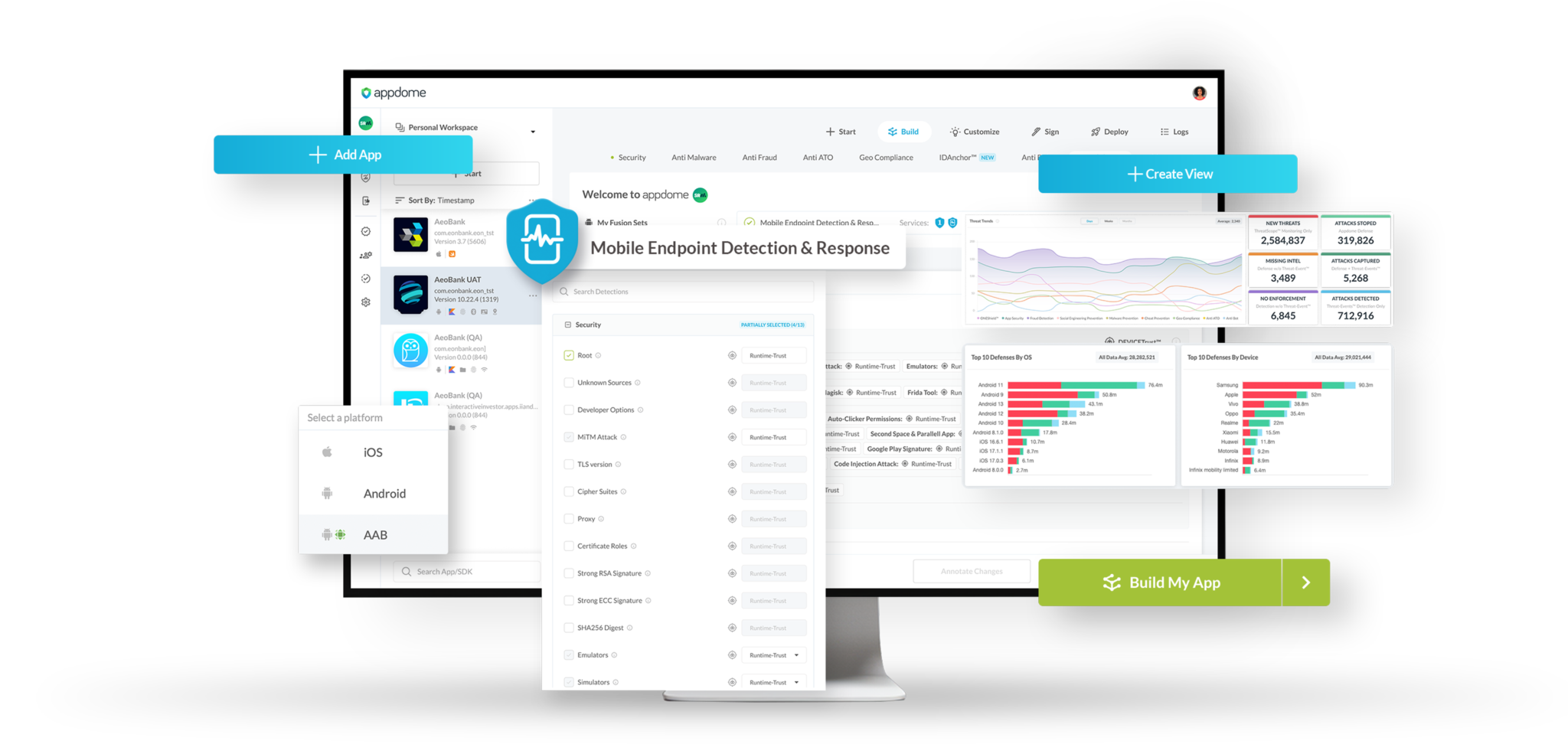
Use AI to build and maintain endpoint detection & response in Android & iOS apps. In CI/CD, Appdome automatically adapts and builds mobile EDR to match the language and structure of any mobile app, build by build. You enjoy less work, no coding, no SDKs, and better protection.

Get the Guide >

Ultimate Enforcement
Flexibility with Appdome​

Appdome's anywhere enforcement model allows enterprises to use threat data across the entire enterprise infrastructure, including the app, server, IAM layer, MDM, or WAF. This ensures the full benefit of inspection on managed and unmanaged endpoints.

Get the Guide >

Gain Resilience with
Faster Detection & Response​

With ThreatScope™ XTM you gain resilience, prove the value of protections, keep track of new and emerging threats across 400+ attack vectors, and respond to any attack impacting workplace apps used by your business automatically.

Get the Guide >

1000s of Mobile Brands Recommend Appdome

Easy to use. Most defenses. Fastest time to market. These are just some of the things our customers say about using Appdome for Mobile Endpoint Detection & Response. On top of that, the industry has awarded us over 20+ awards covering everything from Most Innovative, Best Support, and Best in Class for Mobile Endpoint Detection & Response, Security, Anti-Fraud, DevOps, Bot Defense XDR, and more.


Download our Customer Experience Report to learn what our customers, users and the industry has to say about us! Enjoy!

Customer Experience Report

You need More than One Defense to
Stop Mobile Endpoint Attacks

Appdome's modular architecture allows mobile brands and businesses to deploy any number of MobileEDR Detection plugins inside mobile apps. These plugins use a dynamic defense model that analyzes behavioral anomalies, identifies threats, and filters out false positives, all without a server or external attestation. If you want to eliminate big Epics and manual work in fighting the battle against MobileEDR attacks, Appdome is the right choice.

No-SDK Mobile EDR & MTD

Appdome MobileEDR™ allows mobile brands to use automation to deploy endpoint detection & response (EDR) and mobile threat defense (MTD) defenses in Android & iOS apps, with no agent, no server, no coding and no SDK. MobileEDR leverages Appdome's 400+ defenses and provides real-time mobile threat and attack detection, deep mobile device inspection, AES 256 encryption, and anywhere enforcement to keep enterprise networks and resources safe from mobile malware, supply chain attacks, and other threats.

Get a Demo >

Hardened Implementation

Appdome MobileEDR is the only solution where the defenses are completely built into protected Android and iOS apps. SDK-based solutions can be tampered with, removed or disabled because there's no binding between the SDK and the app. Appdome binds the security features to the app, preventing bypass, tampering, and IP leakage. Appdome also fully obfuscates the app and uses AES 256 encryption for all data at rest, in transit and in use. preventing discovery of the logic & methods used to protect the app and protecting all data.

Learn How >

Anywhere Enforcement

Appdome MobileEDR's Anywhere Enforcement™ model lets enterprises use mobile threat detection and defense data across the entire infrastructure, including the mobile app, mobile app server, IAM service layer, UEM/MAM/MDM, or firewall/WAF. This ensures enterprises can get the full benefit of deep device inspection on managed and unmanaged mobile devices.

Learn How >

Adaptive Mobile Trust

Appdome MobileEDR empowers enterprises to set their preferred trust level in evaluating mobile threats. Enterprises can use either Zero-Trust, to ensure the device is free of any specific threat before allowing connection, login or activity in the mobile app; or Dynamic Trust, which evaluates the device state dynamically throughout the lifecycle of mobile app use.

Learn How >

Data Minimization

Privacy laws often require data minimization - where organizations must to limit the collection and processing of personal data to what is necessary for the intended purpose. Employers should ensure that the UEM/MDM solution only collects and monitors data that is relevant to managing and securing corporate resources on BYOD devices, while minimizing the collection of unnecessary or sensitive information.

Learn How >

Detection Diversity

Privacy laws, such as the General Data Protection Regulation (GDPR) in the European Union or the California Consumer Privacy Act (CCPA) in the United States, may require employers to obtain explicit consent from employees before deploying UEM/MDM solutions on their personal devices. Employees must be informed about the types of personal data that will be collected, processed, and monitored by the UEM/MDM solution, as well as the purposes for which it will be used.

Learn How >

Manage Mobile Fraud out of the Business

Appdome's ThreatScope™ XTM combines the power of real-time mobile fraud data from your mobile apps, AI-driven analytics, and no-code incident response in one platform. With ThreatScope, you know exactly what, when, where, and how mobile fraud was attempted, whether existing defenses worked to stop the attack, and what new defenses are needed to eliminate fraud in your mobile enterprise. Don't suffer from mobile fraud any longer. Choose ThreatScope and manage mobile fraud out of your business fast.

Learn How >

Certified Secure™ Work Apps

The Solarwinds attack came from malware on an unmanaged mobile device connected to an enterprise VPN. Today, the SEC's new 4-day rule and SolarWinds indictments create a new reality for enterprise IT and compliance teams. Certified Secure™ improves "shift left" DevSecOps strategies by creating an ongoing record of compliance that can be used in "go, no-go" release meetings or audits, to ensure internal compliance objectives are achieved, and to eliminate roadblocks in the mobile app release cycle.

Learn How >

Are you an Android or iOS Developer?

Meet Mobile Endpoint Detection & Response Requirements the Right Way.​

With Appdome, you can meet Mobile Endpoint Detection & Response (EDR) without sacrificing your engineering freedom, development choices, other features, or the user experience. 

Appdome uses AI to create and build mobile EDR that works with the way your app is built, including the coding languages and frameworks used in your Android & iOS apps. Appdome also supports your existing DevOps tech stack, including CI/CD, test automation, release management, and more. 

Need to deliver Mobile EDR without a lot of work, crashing your app or slowing down your release cycle? We’ve got you covered.

Are you an Android or iOS Developer?

Ready to Save $Millions on Mobile EDR?

Get a price quote and start saving money on mobile threat defense today. Appdome MobileEDR™ helps mobile brands save $millions of dollars by avoiding unnecessary SDKs, server-side deployments, engineering work, support complexity, network upgrades, code changes and more. 

Blog Post Airplay Vulnerabilities Put Internal Enterprise Apps At Risk

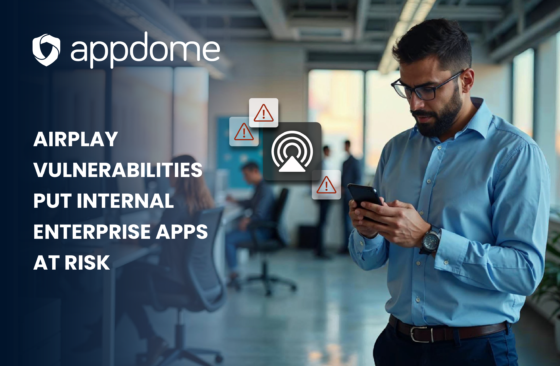
AirPlay Vulnerabilities Put Internal Enterprise Apps at Risk

Apple’s AirPlay protocol, recently found to have 23 critical vulnerabilities, is putting enterprise environments at risk in ways few companies are prepared to handle. While Apple’s patching efforts are underway, the issue goes deeper—especially…
Blog The Hidden Threat Inside Workplace Apps

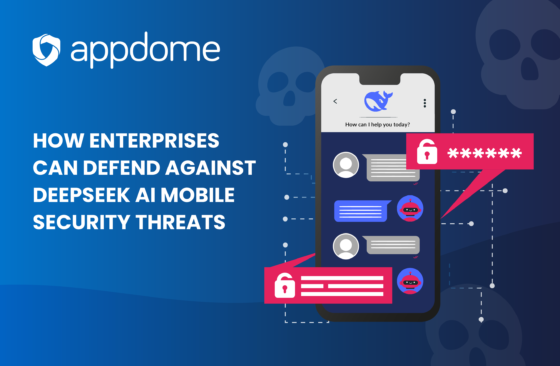
The Hidden Threat Inside Workplace Apps

In this blog post I will examine how cyber-criminals create fakes and clones of popular workplace apps, embed them with malware, and trick users into downloading the weaponized versions…

Search Appdome Solutions

Search
Image Blog 2 Text

Device Binding in the Age of AI

For years, fraud prevention solutions have tried to use Device IDs to bind (or link) a user’s account or session to a specific device to prevent unauthorized access from other devices. However, until recently, Device IDs lacked persistence and the broad threat context needed to stop fraud and ATOs …